
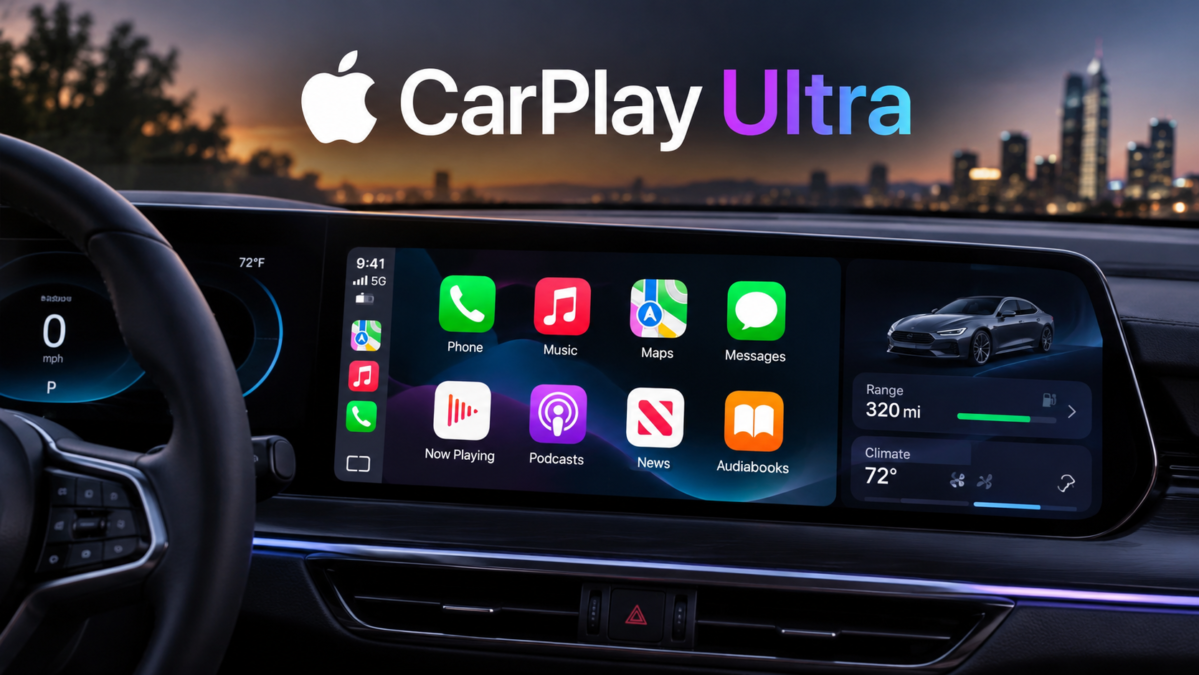

CarPlay Ultra is changing the way drivers interact with their vehicles by bringing Apple’s familiar software experience much deeper into the modern automobile. Instead of simply displaying navigation, music, phone calls, and messages on a central touchscreen, this advanced technology aims to connect the iPhone with multiple vehicle displays, dashboard instruments, entertainment systems, and important driving controls. It represents a major development in automotive technology, combining smartphone convenience with the sophisticated features of modern vehicles.
For years, Apple CarPlay has helped drivers enjoy a more convenient driving experience by bringing essential iPhone applications into their cars. However, traditional CarPlay has certain limitations because it mainly operates through the vehicle’s infotainment display. CarPlay Ultra takes a different approach by creating a more unified digital environment that can extend across the instrument cluster and other screens. This allows drivers to access important information without constantly switching between different vehicle interfaces.
The technology is particularly interesting because it combines Apple’s software design with the identity and engineering of individual automobile manufacturers. Rather than making every vehicle look identical, the platform allows automakers to develop interfaces that complement their interior designs. From personalized dashboard graphics to integrated climate controls, the experience is designed to feel like a natural part of the vehicle rather than an additional smartphone feature.
Although its availability remains limited compared with traditional CarPlay, the platform has attracted considerable attention from technology enthusiasts, luxury car buyers, and automotive manufacturers. Understanding how it works, what makes it different, which vehicles support it, and what drivers can expect in the future can help explain why this development matters.
What Is CarPlay Ultra?
CarPlay Ultra is Apple’s next-generation in-car software experience, designed to connect an iPhone more deeply with a vehicle’s built-in technology. It builds upon the original CarPlay platform but introduces a much broader level of integration. Instead of limiting the experience to the central infotainment screen, it can display information across multiple screens, including the driver’s instrument cluster.
This deeper connection makes the system different from a conventional smartphone projection feature. Drivers can view navigation directions, entertainment information, vehicle-related data, and customizable widgets within a consistent interface. Depending on the vehicle and its supported features, the system can also provide access to controls for functions such as climate settings, radio, and other vehicle-specific options.
One of its most important characteristics is the cooperation between Apple and automobile manufacturers. Apple supplies the software framework and familiar interface, while the vehicle manufacturer contributes its own systems, design language, and driving information. This partnership allows the experience to reflect the identity of the car rather than replacing its entire personality with a generic interface.
The technology was introduced as a significant step forward for connected vehicles. Its purpose is not simply to make a dashboard look more modern. It is intended to make information easier to access, reduce unnecessary interaction with separate systems, and create a smoother connection between the driver’s smartphone and automobile.
How Apple CarPlay Ultra Works
The platform works through a wireless connection between a compatible iPhone and a vehicle equipped with the required hardware and software. When the driver enters a supported vehicle and activates the system, the iPhone connects with the car’s displays and makes supported applications and information available through the interface.
The iPhone supplies information from applications and services, including navigation, music, messages, and other compatible features. The vehicle supplies information generated by its own systems, such as speed, fuel levels, tire pressure, engine temperature, and other available measurements. Combining these sources allows the dashboard to display a more complete picture of the driving experience.
Unlike a traditional smartphone connection that mainly mirrors selected applications, CarPlay Ultra can work with the vehicle’s existing electronic architecture. This is important because essential driving information and vehicle functions must continue operating reliably. The automobile’s own systems remain responsible for important driving operations, while Apple’s interface provides an integrated way to access supported information and controls.
The wireless design also makes the experience more convenient. Drivers do not need to connect a cable every time they enter the vehicle when the supported wireless setup is available. The interface can appear as the vehicle’s displays turn on, creating an experience that feels more closely connected to the automobile itself.
The Difference Between Traditional CarPlay and CarPlay Ultra
Traditional Apple CarPlay is already familiar to millions of iPhone users. It provides access to selected applications through a compatible vehicle’s infotainment screen. Drivers can use Apple Maps, listen to music, make calls, send messages through voice commands, and access supported third-party applications.
However, the traditional experience generally operates within the central display. The vehicle’s instrument cluster, climate controls, and other systems usually continue using their original interfaces. Some manufacturers provide limited integration, but the overall experience depends heavily on the individual vehicle.
CarPlay Ultra expands this arrangement by allowing supported information to appear across multiple displays. The instrument cluster can show customizable gauges, navigation information, and selected vehicle data. Drivers may also be able to control supported vehicle functions without leaving the integrated interface.
Another important difference is personalization. Traditional CarPlay offers familiar layouts and appearance options, but the newer platform allows manufacturers to develop distinctive interfaces that match their vehicles. This creates a more consistent relationship between the car’s interior design and its digital environment.
The difference is therefore not just about adding more applications. It is about connecting the smartphone experience with the vehicle’s own technology in a more complete way.
The Evolution of Apple’s In-Car Technology
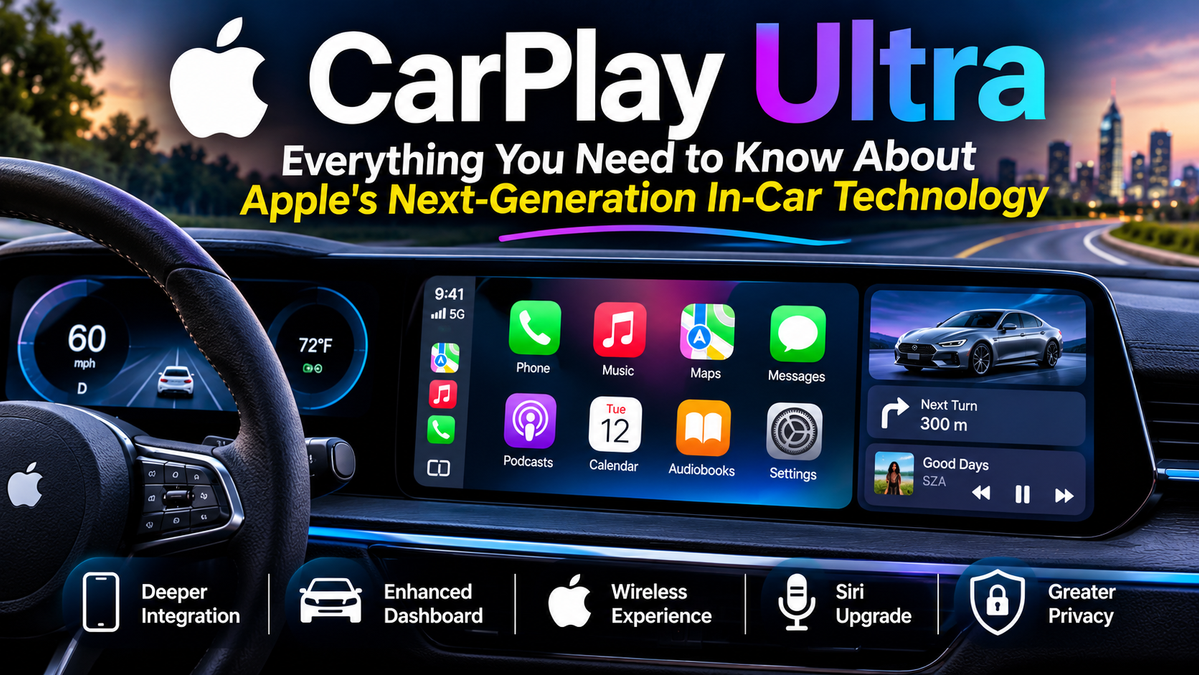
Apple’s interest in connected driving experiences developed over many years. Traditional CarPlay became popular because it gave iPhone users a convenient way to access essential smartphone features while driving. Its straightforward design helped make navigation, communication, and entertainment easier to manage.
As vehicle technology advanced, dashboards became increasingly digital. Large touchscreens, configurable instrument clusters, voice assistants, and connected services became more common. These developments created an opportunity for Apple to expand its existing automotive software beyond a single display.
The next-generation platform was previewed at Apple’s Worldwide Developers Conference in June 2022. The concept demonstrated a much more integrated dashboard experience, including multiple screens, customizable gauges, and vehicle information. The original vision generated considerable interest because it suggested a different relationship between smartphone software and automotive interfaces.
The commercial rollout eventually began with Aston Martin vehicles in May 2025. This launch represented an important milestone because it moved the technology from a demonstration concept into actual production vehicles.
The evolution also illustrates how complicated automotive software development can be. Unlike an ordinary smartphone application, a vehicle interface must work with hardware, sensors, safety systems, manufacturer software, and different dashboard configurations. Each partnership requires extensive coordination before a new experience can reach customers.
Main Features of CarPlay Ultra
One of the most interesting aspects of the platform is the range of features it brings together. Its design focuses on making important information available through a unified interface while allowing automakers to retain control over their vehicle identity.
Drivers can access navigation, entertainment, widgets, vehicle information, and selected controls through supported displays. The interface can also be customized according to the vehicle’s design and the driver’s preferences.
The following features help explain what makes the system different from conventional infotainment software.
Integrated Instrument Cluster
The instrument cluster is one of the most significant parts of the experience. Traditionally, this area displays information such as vehicle speed, engine revolutions, fuel level, and warning indicators. Modern digital clusters have introduced additional customization, but their appearance and functionality depend on the manufacturer.
CarPlay Ultra can extend its interface into this area. Drivers may choose different gauge styles and display arrangements, creating a dashboard that combines smartphone information with vehicle measurements.
For example, navigation directions can appear alongside driving information, allowing drivers to see upcoming turns without relying exclusively on the central touchscreen. Supported vehicle data can also appear within the same visual environment.
This integration creates a more connected dashboard, although the exact information available depends on the vehicle manufacturer and its implementation.
Customizable Dashboard Themes
Personalization is another major feature. Automakers can work with Apple to create dashboard themes that reflect their brand identity. These designs can include different gauge arrangements, visual details, colors, and backgrounds.
Drivers can also personalize supported elements to suit their preferences. Someone who prefers a traditional dashboard appearance may choose a more classic design, while another driver might prefer a modern digital presentation.
This flexibility is particularly important for luxury vehicles, where interior design is an essential part of the ownership experience. A digital interface should complement the materials, controls, and visual character of the cabin.
Climate Control Integration
Climate controls are another area where deeper integration can make a noticeable difference. In many vehicles, drivers must leave their current infotainment screen or use separate physical controls to adjust heating, ventilation, and air conditioning.
The new platform can bring supported climate functions into its interface. This may allow drivers to adjust temperature and related settings through onscreen controls, physical buttons, or voice interaction.
The exact controls depend on the vehicle’s hardware and software configuration. Not every function will necessarily be available in every supported model.
Navigation Across Multiple Displays
Navigation is one of the most useful smartphone features for drivers. Apple Maps and compatible navigation applications provide directions, estimated arrival information, route suggestions, and traffic-related guidance.
With deeper dashboard integration, navigation information can extend beyond the central display. Supported vehicles can show guidance in the instrument cluster, helping drivers follow directions while keeping their attention closer to the road.
This arrangement can be especially useful when approaching complicated intersections, highway exits, or unfamiliar streets.
Music and Entertainment
Music remains a central part of the connected driving experience. Drivers can access compatible entertainment applications and manage playback through the interface.
Apple Music, podcasts, and supported third-party services can make everyday journeys more enjoyable. The system can display relevant playback information and provide convenient controls without requiring drivers to handle their smartphones.
Audio quality still depends on the vehicle’s sound system. A premium automotive audio setup can make the experience more impressive, while the software provides the interface for accessing compatible content.
Widgets and Useful Information
Widgets provide small pieces of information without requiring drivers to open a complete application. They can be arranged to display relevant details according to the supported vehicle screens.
Depending on the implementation, available information may include weather, calendar events, trip information, and other useful updates. These widgets can make the dashboard more informative while avoiding unnecessary visual complexity.
Their greatest advantage is convenience. Instead of navigating through several menus, drivers can glance at relevant information when it is safe to do so.
Siri and Voice Interaction
Voice interaction is an important part of Apple’s automotive experience. Drivers can use Siri for supported tasks such as navigation, messaging, and other compatible functions.
Voice commands can reduce the need to touch the display while driving. For example, a driver may request directions, select music, or dictate a message without manually navigating through several menus.
The usefulness of voice control depends on microphone quality, network conditions, language support, and the capabilities of the connected applications.
Stay in touch to get more updates & news on New Magazine Here!